TSPZEM‑031 Voltmeter Ammeter DC Multi‑Function Digital Display LCD Current Meter Tester Detector

16,95 €
KOSTENLOSER Versand

TSPZEM‑031 Voltmeter Ammeter DC Multi‑Function Digital Display LCD Current Meter Tester Detector

  • Marke: Unbranded
Verkauft von:

TSPZEM‑031 Voltmeter Ammeter DC Multi‑Function Digital Display LCD Current Meter Tester Detector

  • Marke: Unbranded

16,95 €

Bespaar 7,00 € (29%)

UVP

23,95 €
Auf Lager
KOSTENLOSER Versand
Verkauft von:

16,95 €

Bespaar 7,00 € (29%)

UVP

23,95 €
Auf Lager
KOSTENLOSER Versand

Wir akzeptieren die folgenden Zahlungsmethoden

Beschreibung

TSPZEM‑031 Voltmeter Ammeter DC Multi‑Function Digital Display LCD Current Meter Tester Detector

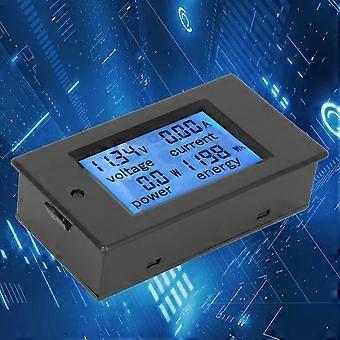
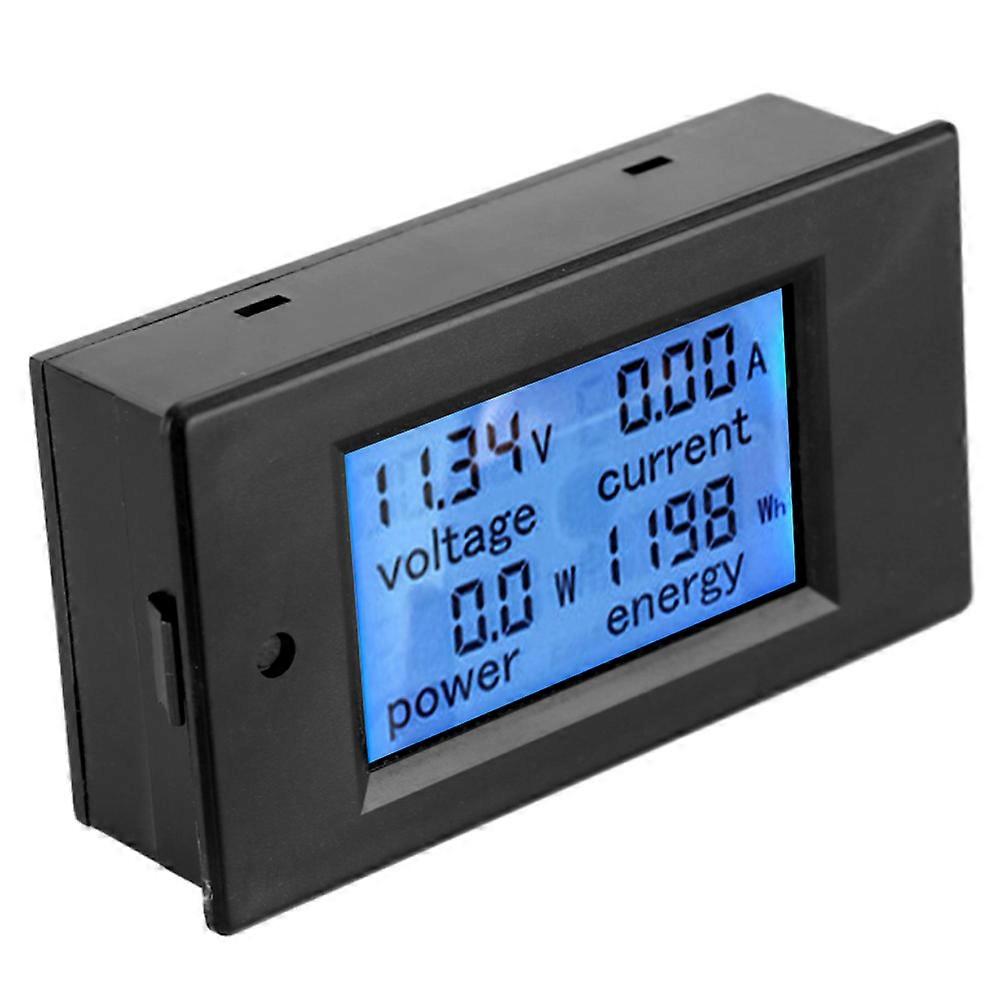
TSPZEM‑031 Voltmeter Ammeter DC Multi‑Function Digital Display LCD Current Meter Tester Detector Condition: Material: ABSWorking Voltage: 6.5~100VDC Rated Power: 20A / 2000W Measurement Accuracy: Level 1.0 Display and Button Display Interface:The large LCD screen displays the voltage, current, power and power parameters simultaneously. Display Format: 1. Power: Test range 0~2kW The display format within 1kW is 0.0~999.9W; The display format above 1kW is 1000~2000W. 2. Electricity: Test range 0~9999kWh The display format within 10kWh is 0~9999Wh; The display format above 10kWh is 10~9999kWh; Display format 6.50~99.99V 4. Current: Test range 0~20A The display format is 0.00~20.00 Button: 1. Control of the backlight The backlight can be turned on or off by short pressing the button, and the poor light state is automatically saved when the power is turned off. 2. Reset the battery Step 1: Press and hold the button until the ''CLr'' character is displayed in the power display area, and then release the button; Step 2: At this time, the battery flashes to indicate that the battery is currently reset. If you press the button again for a short time, the power data is cleared and reseted and flashing; Step 3: If there is no pressing operation within 5 seconds, it means that the power data is not reseted and exits the reset state. Step 1: Press and hold the button until the ''SET'' character is displayed in the power display area, and then release the button; Step 3: After setting, press and hold the button until the screen displays ''PASS'' character to indicate that the setting is successful and automatically exits the setting state.
  • Fruugo-ID: 406073870-860903633
  • EAN: 8131328904304

Lieferung und Rückgaben

Versand innerhalb von 24 Stunden

  • EXPRESS: KOSTENLOS - Lieferung zwischen Di. 09 Dezember 2025–Di. 16 Dezember 2025 - KOSTENLOS

Versand von China.

Wir tun unser Bestes, um dafür zu sorgen, dass die von Ihnen bestellten Produkte vollständig und gemäß Ihrer Spezifikationen an Sie geliefert werden. Wenn Sie allerdings eine unvollständige Bestellung oder Artikel erhalten, die sich von den bestellten unterscheiden, oder es einen anderen Grund gibt, warum Sie mit Ihrer Bestellung nicht zufrieden sind, können Sie die gesamte Bestellung oder einzelne darin enthaltenen Produkte zurücksenden und eine vollständige Rückerstattung für die Artikel erhalten. Vollständige Rückgaberichtlinie ansehen