TSPZEM‑031 Voltmeter Ammeter DC Multi‑Function Digital Display LCD Current Meter Tester Detector

16,95 €
FREE Shipping

TSPZEM‑031 Voltmeter Ammeter DC Multi‑Function Digital Display LCD Current Meter Tester Detector

  • Brand: Unbranded
Sold by:

TSPZEM‑031 Voltmeter Ammeter DC Multi‑Function Digital Display LCD Current Meter Tester Detector

  • Brand: Unbranded

16,95 €

Save 7,00 € (29%)

RRP

23,95 €
In stock
FREE Shipping
Sold by:

16,95 €

Save 7,00 € (29%)

RRP

23,95 €
In stock
FREE Shipping

We accept the following payment methods

Description

TSPZEM‑031 Voltmeter Ammeter DC Multi‑Function Digital Display LCD Current Meter Tester Detector

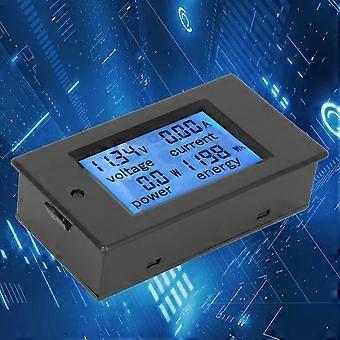
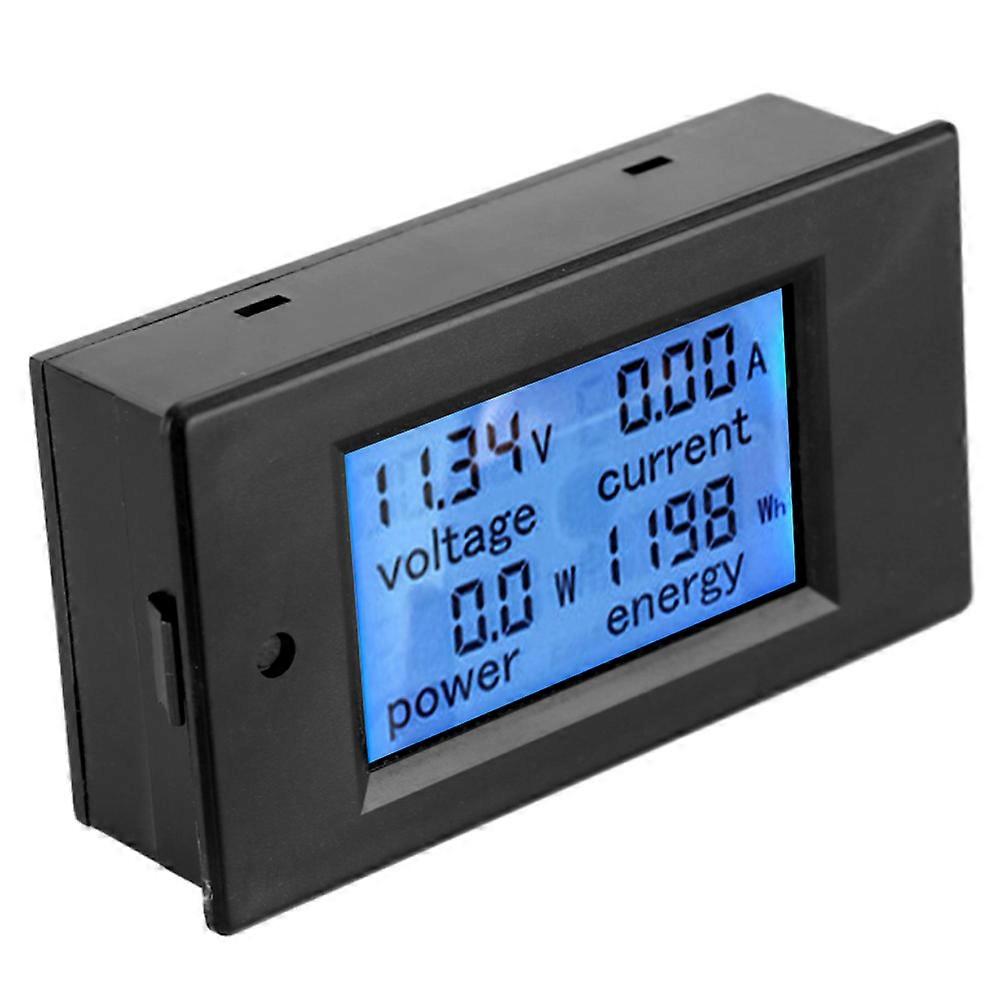
TSPZEM‑031 Voltmeter Ammeter DC Multi‑Function Digital Display LCD Current Meter Tester Detector Condition: Material: ABSWorking Voltage: 6.5~100VDC Rated Power: 20A / 2000W Measurement Accuracy: Level 1.0 Display and Button Display Interface:The large LCD screen displays the voltage, current, power and power parameters simultaneously. Display Format: 1. Power: Test range 0~2kW The display format within 1kW is 0.0~999.9W; The display format above 1kW is 1000~2000W. 2. Electricity: Test range 0~9999kWh The display format within 10kWh is 0~9999Wh; The display format above 10kWh is 10~9999kWh; Display format 6.50~99.99V 4. Current: Test range 0~20A The display format is 0.00~20.00 Button: 1. Control of the backlight The backlight can be turned on or off by short pressing the button, and the poor light state is automatically saved when the power is turned off. 2. Reset the battery Step 1: Press and hold the button until the ''CLr'' character is displayed in the power display area, and then release the button; Step 2: At this time, the battery flashes to indicate that the battery is currently reset. If you press the button again for a short time, the power data is cleared and reseted and flashing; Step 3: If there is no pressing operation within 5 seconds, it means that the power data is not reseted and exits the reset state. Step 1: Press and hold the button until the ''SET'' character is displayed in the power display area, and then release the button; Step 3: After setting, press and hold the button until the screen displays ''PASS'' character to indicate that the setting is successful and automatically exits the setting state.
  • Fruugo ID: 406073870-860903633
  • EAN: 8131328904304

Delivery & Returns

Dispatched within 24 hours

  • EXPRESS: FREE - Delivery between Tue 09 December 2025–Tue 16 December 2025 - FREE

Shipping from China.

We do our best to ensure that the products that you order are delivered to you in full and according to your specifications. However, should you receive an incomplete order, or items different from the ones you ordered, or there is some other reason why you are not satisfied with the order, you may return the order, or any products included in the order, and receive a full refund for the items. View full return policy